Hacking Audible: How It Works & How to Save Money (The Guide)
Key Takeaways
- The Brain Gap: Humans speak at ~150 wpm but think at ~400 wpm. This gap causes distractions.
- The Sweet Spot: Comprehension remains high up to 275 wpm (approx 1.75x speed).
- Silence Removal: Using "Smart Speed" apps is more effective than raw speed increases.
- The Rule: Speed up information (Non-fiction), slow down experience (Fiction).
Table of Contents
Audible is designed to be confusing. That is not a bug; it is a feature.
They want you to think it is simple: "Pay $14.95, get one book."
But if you strictly follow that rule, you are overpaying. Thousands of people search "How does Audible work?" every month because the math doesn't seem to add up. Why does a credit cost $14.95 when some books cost $5.00 and others cost $40.00?
As a speed listener who consumes 100+ books a year, I cannot afford to pay retail prices. Over the last decade, I have reverse-engineered the Audible economy.
This is the "Uncensored Manual" that Amazon doesn't show you during the tutorial. We are going to cover the Credit Arbitrage, the "Great Exchange" (Return Policy), and the secret Retention Offers.
Part 1: The "Credit Arbitrage" (The Math)
To understand Audible, you must understand the Gold Coin (The Credit).
On the standard "Premium Plus" plan, you pay roughly $14.95 per month for 1 Credit.
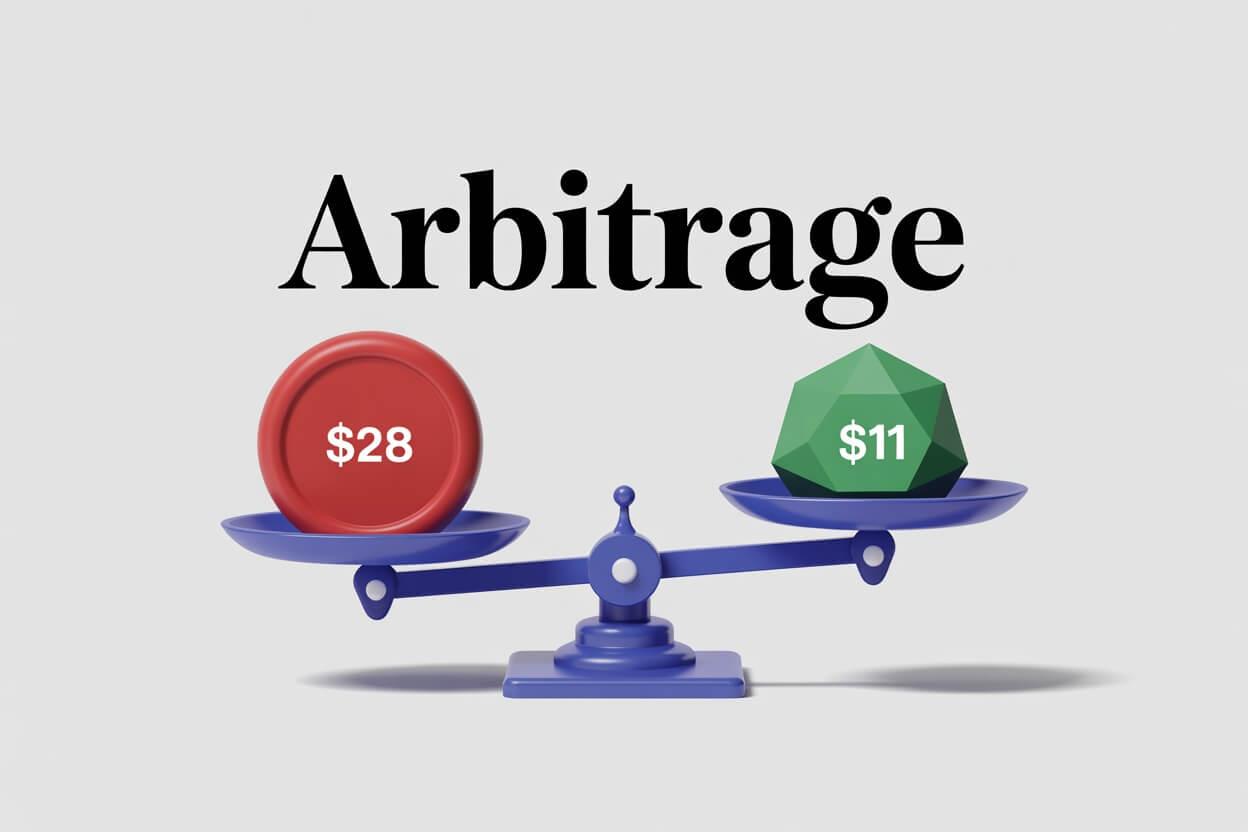
The Golden Rule: 1 Credit buys ANY book, regardless of its cash price.
- Sherlock Holmes: The Definitive Collection (70 hours) costs $80.00 cash.
- Atomic Habits (5 hours) costs $22.00 cash.
- A short story might cost $4.00 cash.
The Strategy:
NEVER use a credit for a book that costs less than $14.95.
If a book is on sale for $10, pay cash. Save your credit for the expensive biographies or box sets. This is "Credit Arbitrage". By strictly following this, the real value of your subscription jumps from $15/mo to $40/mo.
Part 2: The "Great Exchange" (Return Policy)
This is the feature that makes Audible superior to Spotify or Apple Books, but they hide it deep in the menus.
The Policy: If you don't like a book, you can return it within 365 days and get your credit back. Instant refund. No questions asked.
This addresses the #1 fear of listeners: "What if I spend my monthly credit on a boring book?"
How to do it (The Hidden Menu):
- You cannot do this in the App (Apple/Google rules).
- Go to Audible.com on your desktop browser.
- Click "Account Details" > "Purchase History".
- Find the book and click the tiny "Return Title" button.
The "Ban Hammer" Warning: This system is automated, but if you return 5 books in a row or treat it like a rental library (listen and return), they will flag your account and block returns. Use it for genuine dislikes, not for theft.
Part 3: The "Amazon Household" Hack (Sharing)
According to search data, 3,000 people a month ask "How to share Audible books". Most think they need to share their password. Do not do that.
Amazon has a legal feature called Amazon Household.
It allows two adults (and up to 4 kids) to link their Amazon accounts.
The Benefit:
- You see ALL of your partner's audiobooks in your library.
- They see ALL of yours.
- You keep your own listening progress/bookmarks.
The Math: If you and your partner both pay for Audible, cancel one account. Use Household. You just cut your subscription cost by 50% instantly while doubling your library size.
Part 4: The "Whispersync" Loophole
This is the most advanced hack in this guide. It allows you to buy audiobooks for $7.49 (half the price of a credit).
How it works:
Amazon owns both Kindle and Audible. They want you to buy both versions. So, if you own the Kindle eBook first, they offer you the "Audible Narration" upgrade for a massive discount.
The Workflow:
- Find a book you want (e.g., Project Hail Mary).
- Check the Kindle price. Often, classics or older books are $0.99 or even Free.
- Buy the Kindle version first.
- Look for the button: "Add Audible narration for $7.49".
- Total Cost: $0.99 + $7.49 = $8.48.
- Savings: You saved a $14.95 credit (which you can use on something else).
Part 5: The "Wishlist" Trigger (Sales Algorithm)
Audible runs massive sales (2-for-1 Credits, or $5 Cash Sales) almost every week. But browsing the sales page is tedious.
The Hack: Use your Wishlist as a notification trigger.
When you see a book you want but don't want to spend a credit on, add it to your Wishlist. Do not buy it.
Audible's algorithm monitors your Wishlist. When that specific book goes on sale (sometimes dropping to $3.95), they will send you an email titled "A book in your wishlist is on sale".
This allows you to passively build a library of cheap books without checking the site daily.
Part 6: The "Hidden" Library (Plus Catalog)
Most users ignore the "Plus Catalog" because they think it's just public domain junk.
They are wrong.
The Plus Catalog is Audible's version of Netflix. It is a rotating library of thousands of books included free with your subscription (no credits needed).
What's actually in there?
- Audible Originals: High-production audio dramas with full casts (often better than movies).
- Classics: Dracula, 1984, Frankenstein (often read by celebrities like Elijah Wood).
- Great Courses: University-level lecture series on History or Science.
Before you spend a credit, always check if the book is already free in the Plus Catalog.
Part 7: The "Zero Cost" Alternative (Libby)
I love Audible, but I don't love monopolies. You should know about Libby.
Libby is an app that connects to your local public library card.
If you are looking for other alternatives, specifically for fiction and romance, you should also check our guide on Kindle Unlimited's hidden audio library, which is cheaper than Audible but offers more availability than Libby.
- Cost: $0.00.
- Catalog: Often the exact same audiobooks as Audible.
- Speed Controls: Excellent (up to 3.0x).
- The Catch: You have to wait. If a book is popular, there is a "Hold List" (sometimes 2-3 weeks).
The Pro Strategy: Use Libby for older books or fiction where you don't mind waiting. Use Audible credits for new releases that you want right now.
Part 8: The "Retention Offer" Script
You have 5 credits piled up. You don't have time to listen. You want to cancel.
Stop. If you cancel, you lose your unused credits instantly. They vanish. You have two options to save money without losing your loot.
Option A: The Pause (90 Days)
- Go to Account Settings > Cancel Membership.
- Audible will offer to "Pause for 90 days".
- Benefit: You pay $0. You keep your credits. You keep your library.
Option B: The "Retention" Deal (The Secret)
If you click "Continue to Cancel" after the Pause offer, Audible's algorithm will get desperate.
They will often offer you a "Retention Deal" to stay.
Common Offers:
- "$0.99 for the next 3 months" (Gold mine).
- "1 Free Credit if you stay".
- "$7.49/month for 3 months".
I perform this "Fake Cancellation" ritual once a year. It usually saves me ~$40.
Part 9: The "Pre-Order" Safe (Protecting Credits)
But what if you really want to cancel, and you still have 3 credits left? You can't listen to 3 books in one day.
The Hack: Use the "Pre-Order Safe".
- Find upcoming books from your favorite authors (releasing in 6 months or 1 year).
- Spend your credits to Pre-Order them.
- Cancel your subscription.
Why this works: Even though you cancelled, you "spent" the credits. When the book releases in 6 months, it will appear in your library.
The Kicker: If you change your mind later, you can cancel the pre-order (even without a subscription) and... guess what? You get the credit back (sometimes). Note: This varies by region, so consider the pre-order final.
Part 10: The "Jailbreak" (Backing Up Your Library)
Technically, you don't "own" your Audible books. You own a "license" to listen to them on the Audible app. If Amazon bans your account, your library is gone.
For true Power Users, I recommend creating a local backup.
The Tools:
- OpenAudible (Paid): User-friendly software that downloads your library as MP3/M4B.
- Libation (Free/Open Source): The community favorite. It connects to your account, strips the DRM (Digital Rights Management), and saves the files to your hard drive.
Once you have the M4B file, you can listen to it on ANY app (like Smart Audiobook Player on Android) which has even better speed controls than Audible.
Part 11: Technical Settings (High Quality)
By default, Audible streams at "Standard Quality" (64kbps) to save data. If you are listening on $300 Sony headphones, this sounds like trash. It sounds muddy.
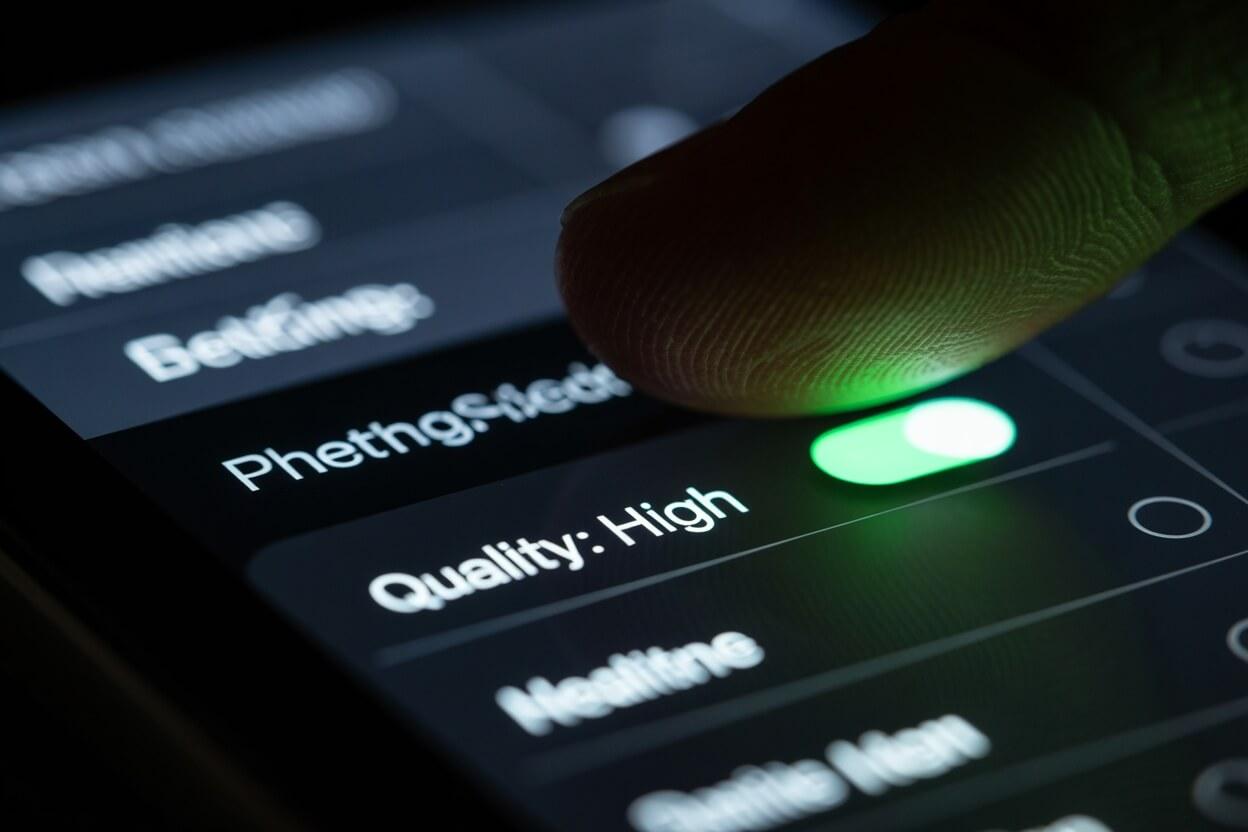
The Fix:
- Open the Audible App.
- Go to Profile > Settings (Gear Icon).
- Tap Data & Storage.
- Change "Download Quality" to High.
The file size will double (from ~150MB to ~300MB), but the clarity of the voice—especially at 2.0x speed—will improve drastically. The "fuzziness" disappears.
Audible FAQ (Data-Driven)
"Can I gift an audiobook?"
Yes. If you have excess credits, you can "Gift" a book to a friend via email. If they are already an Audible member, they get the book. If they are NOT a member, they get the book plus a free trial. It's a great way to use expiring credits.
"Is Audible Premium Plus worth it?"
If you listen to at least 1 book a month: Yes. The included credit covers the cost. If you listen less, stick to the "Plus" plan ($7.95) or just buy books on sale without a subscription.
Conclusion: Don't Be a "Default" User
Audible is the best audiobook platform in the world, but it is expensive if you use it carelessly.
If you use the Credit Arbitrage for expensive books, the Retention Offers to lower your bill, and Libation to backup your library, you are unbeatable.
You turn a $15/month luxury into a high-ROI education machine.
Calculate how much time you save listening on Audible:
Open Speed CalculatorRelated Articles
Audible vs. Overcast: Why I Cancelled My Subscription
Audible is the giant, but for Speed Listeners, it's a bottleneck. Here is why I switched to Overcast + Libro.fm and how it saves me 45 minutes per book.
Audible vs. Kindle Unlimited vs. Prime: The Ultimate Audio Battle
Is Audible free with Prime? Should you get Kindle Unlimited for audiobooks? We execute a forensic analysis of Amazon's 3 tiers, reveal the 'Listen Free' hack, and map the best choice for your genre.
The 5 Best Audiobook Apps for Speed Listening (2026)
Stop using the default player. Discover apps with 'Smart Speed' and 'Silence Removal' that let you listen faster without the chipmunk effect.